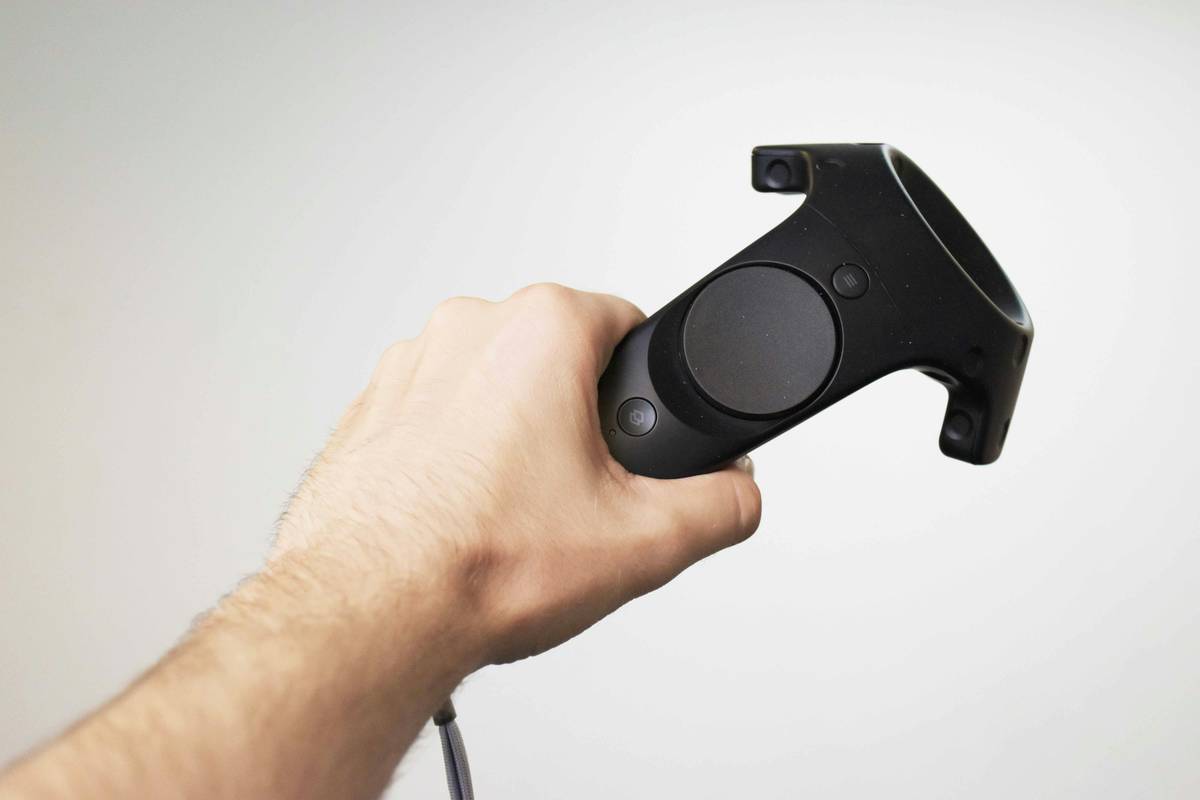
Gamers keep buying motion controllers expecting magic—and get flickering cursors and missed swings instead. Frustration builds. You wave your arms like a conductor, but Mario just stares back. The promise of immersive control feels broken. But it doesn’t have to be. What is motion control really? It’s not gimmickry—it’s physics, latency, and calibration working in concert. And when done right, it transforms play.
Why Traditional Motion Controllers Fail Most Gamers
Most players assume motion control = waving a stick. Wrong. The core issue? Poor sensor fusion. Accelerometers alone can’t distinguish between a gentle tilt and a sharp jab if gyroscopes lag or magnetometers drift. Add Bluetooth latency—often 60–120ms—and your swing lands after the on-screen enemy vanishes.
Manufacturers cut corners. They use cheap MEMS sensors calibrated for smartphones, not millisecond-precise gameplay. And game devs? Many treat motion as an afterthought, mapping gestures to button presses without accounting for real human movement variance.
Result: a disconnect so jarring, you ditch the controller after one session.
How to Actually Use Motion Control Without Losing Your Mind
The fix isn’t buying another plastic wand. It’s understanding the stack—hardware, software, environment—and tuning each layer. Here’s how.
Calibrate Like a Pro (Not a Tourist)
Never skip calibration. Do it in the actual lighting you’ll play in. Sunlight floods IR sensors. Overhead LEDs create infrared noise. Recalibrate if you move rooms—even slightly.
Prioritize Low-Latency Protocols
Bluetooth Classic? Avoid it. Look for devices using Bluetooth LE with aptX Low Latency or proprietary 2.4GHz dongles. The difference? Sub-30ms response—close to wired. That’s the threshold where your brain stops noticing delay.
Match Game Design to Physical Ergonomics
Some games fake motion control by triggering actions after minimal movement. Others demand full arcs. Know which your controller excels at. A lightweight wand suits quick flicks; a grippy, weighted unit handles sustained gestures better.
| Control Method | Latency (Avg.) | Precision | Best For |
|---|---|---|---|
| Basic IMU (Phone-grade) | 80–150ms | Low | Casual party games |
| Fused IMU + IR Tracking | 30–50ms | High | FPS aiming, rhythm games |
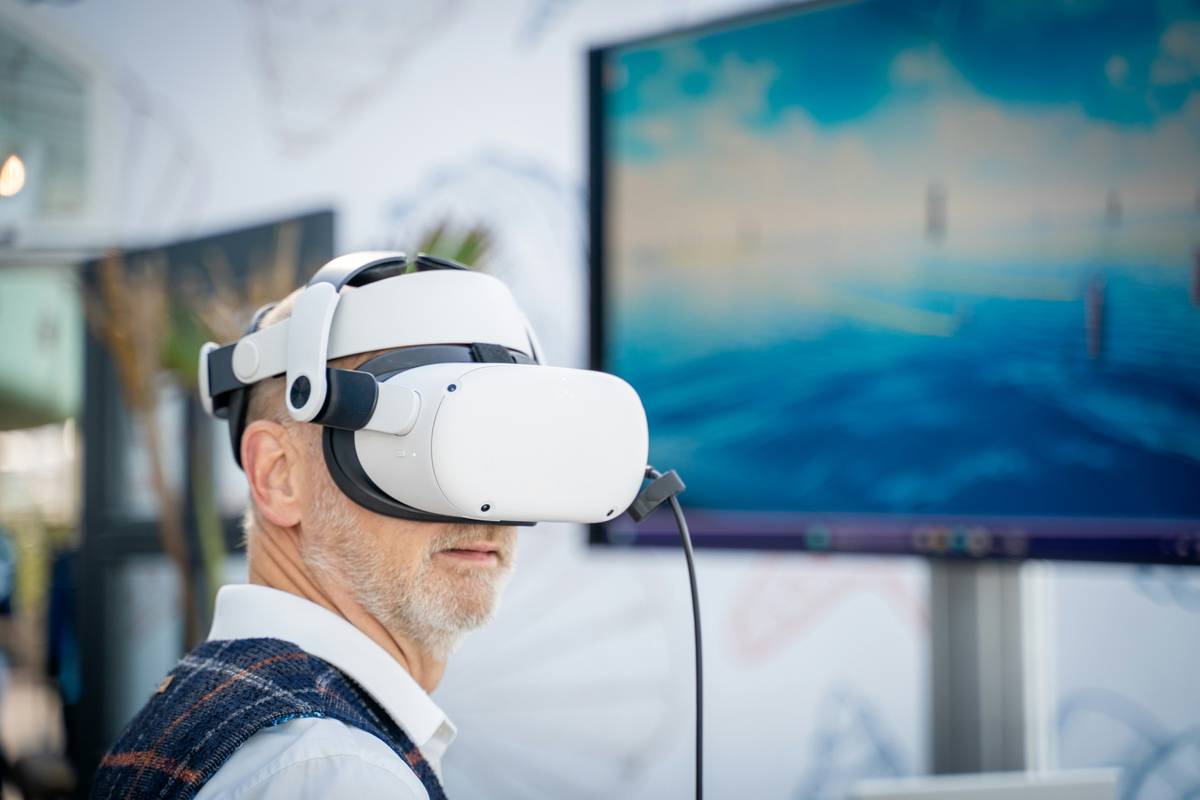
| Inside-Out Camera (e.g., Quest) | 20–40ms | Very High | Full-body VR, simulation |
| External Base Stations | 10–25ms | Extreme | Professional esports, training sims |
The Industry Secret No One Talks About: Motion Control Is a Calibration Loop—Not a Feature
Here’s the reality: top-tier studios don’t ship motion support as a static setting. They embed adaptive recalibration engines that learn your biomechanics over time. Your “swing” profile evolves across sessions—speed, angle, wrist rotation—and the system auto-tunes sensitivity. But this only works if the controller feeds clean, high-frequency data. Most consumer gear can’t. So they hide it. And market “plug-and-play” instead.
But you can hack it. Use open-source firmware like OpenVR-InputEmulator to force higher poll rates. Pair it with games that expose raw motion APIs (think Elite Dangerous or Beat Saber mods). Suddenly, your $60 controller performs like a $300 dev kit.
FAQ
What exactly is motion control in gaming?
What is motion control? It’s using physical movement—detected via sensors like gyros, accelerometers, or cameras—to manipulate in-game actions instead of buttons or sticks.
Are motion controllers better than traditional ones?
Only for specific genres. Motion shines in simulations, rhythm games, or VR. For twitch shooters or platformers? Traditional controls win on precision and speed.
Do all motion controllers need external sensors?
No. Modern units often use “inside-out” tracking—cameras or IMUs built into the device itself. External base stations boost accuracy but add setup complexity.